
This document is a user guide for Sony Ericsson EDGE PC Cards GC82, GC83, and GC85. It provides an overview of the hardware and software, installation and usage instructions, troubleshooting information, and more.
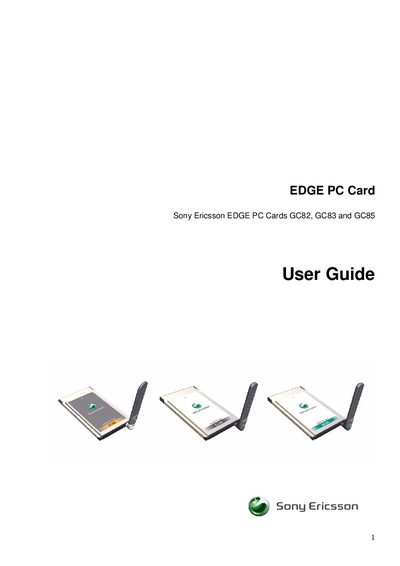
The Sony Ericsson EDGE PC Card User Guide provides a complete description of the GC82, GC83 and GC85 cards, which are standard type‑II Cardbus PC cards that enable laptop users to access the Internet and corporate networks via GPRS/EDGE. The guide explains the hardware components, required antenna, SIM card insertion, and power considerations.
The manual also details the software side, including the Wireless Manager application for creating and modifying connections, managing SIM and phone book entries, sending SMS messages, and troubleshooting common errors. System requirements, installation steps, and supported operating systems (Windows 98SE, Me, 2000 SP4, XP) are covered, along with technical specifications such as supported frequency bands and data rates.
| Card type | Standard type II Cardbus PC card |
|---|---|
| Supported bands (GC82) | 850/1900 MHz |
| Supported bands (GC83) | 850/1900 MHz (triple band) |
| Supported bands (GC85) | 900/1800/1900 MHz |
| Maximum GPRS downlink speed | 53.6 kbps |
| Maximum GPRS uplink speed | 26.8 kbps |
| Supported operating systems | Windows 98SE, Me, 2000 (SP4), XP |
The GC82 supports the 850 MHz and 1900 MHz GSM bands.
The card works with Windows 98SE, Windows Me, Windows 2000 (SP4) and Windows XP.
Use the Wireless Manager SMS Messages screen to send and receive SMS text messages.
It is a standard type‑II Cardbus PC card.