
This guide introduces the Sony Ericsson W300i phone's quick start information, including how to select contacts, set up voice mail, use text messages, etc.
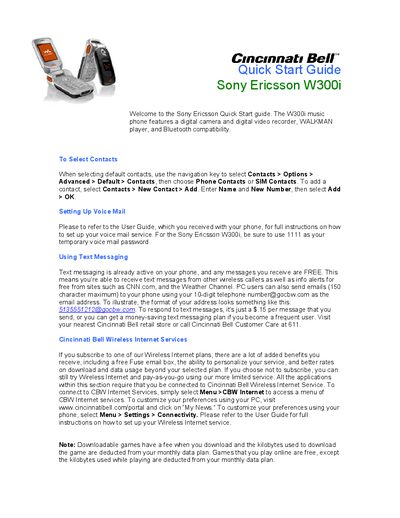
This Quick Start Guide introduces the Sony Ericsson W300i music phone, highlighting its digital camera, video recorder, WALKMAN player and Bluetooth support. It walks you through selecting contacts, setting up voicemail (temporary password 1111), and using text messaging, including email via the @gocbw.com address.
The guide also explains how to choose or compose ringtones, capture photos and video, play music from a 256 MB Memory Stick Micro, enable Bluetooth connections, and protect the phone with a PIN lock. Additional information on Cincinnati Bell Wireless Internet services is provided for users with a data plan.
| Memory Card | 256 MB Memory Stick Micro |
|---|---|
| Bluetooth Range | up to 30 feet |
The temporary voicemail password is 1111.
Open Menu > Entertainment > Music DJ, then insert, copy, paste or delete blocks to compose the ringtone.
Go to Settings > General > Locks > SIM Lock > Protection and turn on the PIN request.