
Module No. 5106 is used for resistance testing of photoelectric sensors, photoelectric switches, capacitive sensors, photoelectric encoders, Hall sensors, magnetic encoders and other resistors.
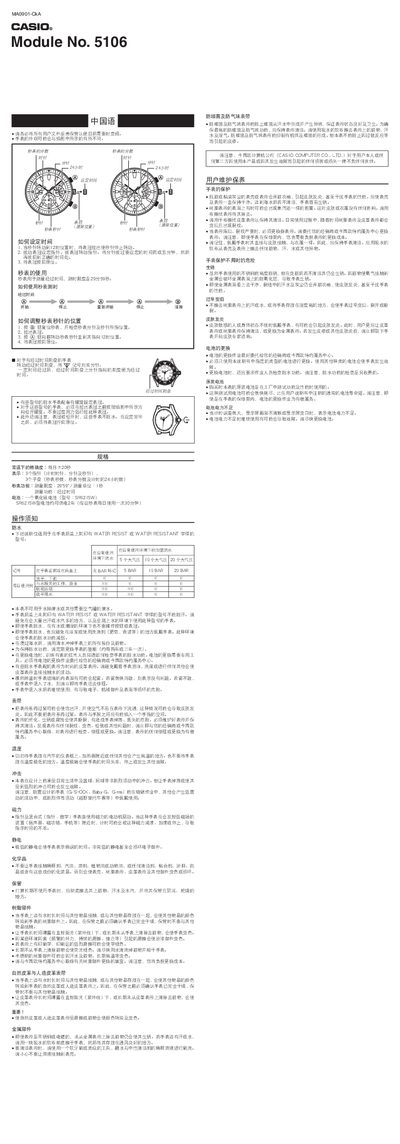
This manual explains how to set the time and use the stopwatch on the Casio 5106 watch. It includes step‑by‑step instructions for pulling the crown, adjusting the hands, and resetting the stopwatch.
It also covers important maintenance topics such as water‑resistance ratings, battery replacement with the SR621SW silver‑oxide cell, strap care, and precautions for temperature, shock, magnetism, static electricity, and chemicals. This manual is written in Chinese.
| Accuracy | ±20 seconds per month |
|---|---|
| Battery | 1 silver‑oxide cell, model SR621SW |
| Water resistance | 5, 10 or 20 bar (depending on model) |
| Stopwatch range | Up to 29 minutes 59 seconds |
Pull the crown out when the seconds hand is at 12 to stop the seconds, turn the crown to move the hands to the desired time, then push the crown back in.
Models marked WATER RESIST or WATER RESISTANT are rated at 5, 10, or 20 bar, but the watch is not waterproof when the crown is pulled out.
The SR621SW battery provides about 2 years of power assuming the stopwatch is used once a day for 30 minutes.