
This manual describes the features and functions of the watch, including the color of the text displayed on the screen, button functions, timing function, time display format, and how to set the time and date.
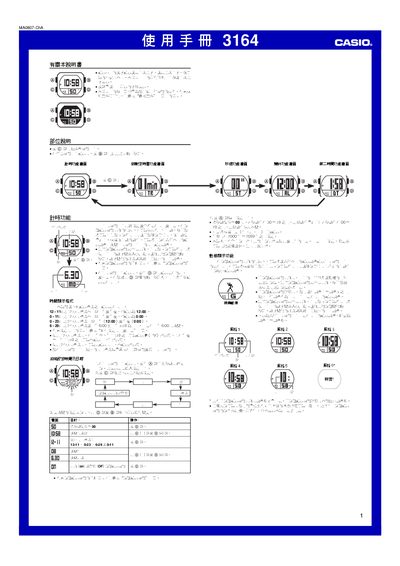
This manual describes the operation of the Casio 3164 watch, covering basic time and date setting, multiple display styles, and how to switch between functions using the @ and @@ buttons. It also details the dynamic display feature that changes the visual style of the time display based on wrist movement.
Additional sections explain the countdown timer (1‑60 min), stopwatch (up to 59 min 59.99 s), alarm settings, illumination using an EL panel, and automatic return to the main screen after inactivity. This manual is written in Chinese.
| 照明類型 | EL (電子螢光)板 |
|---|---|
| 秒錶測時限度 | 59分59.99秒 |
| 倒數定時器範圍 | 1分鐘至60分鐘 |
| 年份設定範圍 | 2000至2099年 |
| 照明操作 | 按 @ 鈕點亮約1秒鐘 |
Press and hold the @ button until the seconds start flashing; this indicates you have entered the setting screen.
When the countdown timer screen is displayed, press the @ button to increase the start time in one‑minute steps.
When enabled, the watch shows the time in six different visual styles that change automatically based on wrist movement.
Press the @ button on any function screen (except setting screens) to light the display for about one second.