
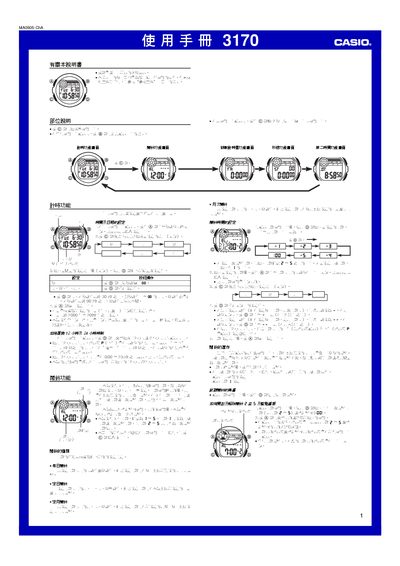
This manual describes the operation of the Casio 3170 digital watch. It covers button functions, time‑setting, alarm configuration, countdown timer, stopwatch and second‑time display, as well as lighting usage and technical specifications.
The guide provides step‑by‑step instructions for each feature, including how to switch between 12‑hour and 24‑hour formats, set up the five alarms, use the countdown timer and operate the stopwatch for split‑time measurements. This manual is written in Chinese.
| Time format | 12‑hour or 24‑hour selectable |
|---|---|
| Calendar range | 2000‑2099 (full‑auto) |
| Alarms | 5 multi‑function alarms (4 one‑time, 1 interval) |
| Battery | CR2025 lithium cell (≈10 years) |
Press the @ button while in the time‑setting screen to toggle between 12‑hour and 24‑hour formats.
The watch provides five alarms: four one‑time alarms and one interval alarm.
The watch uses a CR2025 lithium battery, lasting about ten years under normal use.