
User manual, introduces how to set watch time, date, alarm clock and other functions
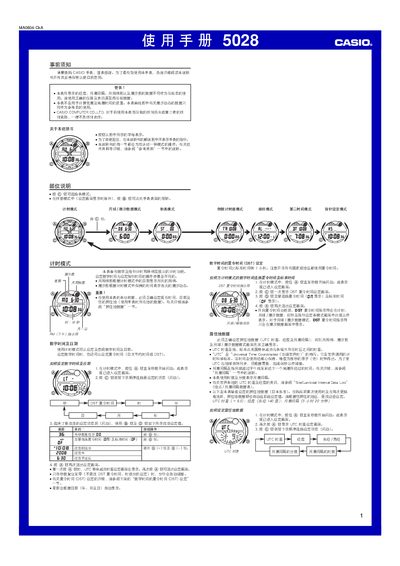
This manual provides step‑by‑step instructions for operating the Casio 5028 watch, covering basic time and date setup, daylight‑saving time (DST) adjustments, and location data configuration. It also details the various modes such as timer, stopwatch, countdown timer, moon/tide data, and alarm functions.
Additional sections describe hand‑setting, illumination settings, multi‑function alarm programming, and the built‑in EL (electroluminescent) panel for low‑light visibility. Safety warnings and usage notes are included throughout. This manual is written in Chinese.
| Display type | EL (electroluminescent) panel |
|---|---|
| Number of alarms | 3 independent multi‑function alarms |
| Countdown timer range | 1 minute to 24 hours |
Enter the timer mode, press the @ button until the seconds flash, then use the @ and full buttons to change the hour, minute, year, month and day values.
In the timer mode, press the @ button until the DST setting flashes, then use the full and @ buttons to toggle between standard time and DST.
The EL (electroluminescent) panel provides illumination so the display remains visible in darkness.