
The manual introduces the use of the 5027 watch, including the setting methods of time, date, temperature and other functions.
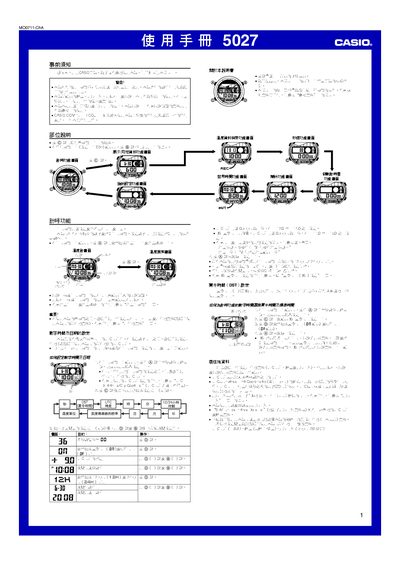
This manual explains how to configure the Casio 5027 watch, including setting the current time, date, UTC offset, and location data required for tide and lunar information. It also covers the use of the timer, stopwatch, temperature measurement, and world‑time features.
Detailed instructions are provided for enabling automatic illumination, adjusting brightness, using the DST (daylight‑saving time) settings, and accessing the memory that stores up to 50 temperature records. Safety warnings and usage notes are included throughout. This manual is written in Japanese.
| Temperature display range | 10.0 °C to 60 °C (140 °F to 1400 °F) |
|---|---|
| Temperature resolution | 0.1 °C (0.2 °F) |
| Memory capacity for temperature records | Up to 50 records |
Enter the UTC時差設定書面 and adjust the UTC offset value using the indicated keys.
Activate the automatic illumination function by pressing the designated key (約 3 秒) when the indicator appears.
The watch can store up to 50 temperature records in its internal memory.