
This manual introduces the usage of the watch, including button operations, setting time and date, daylight saving time setting, etc.
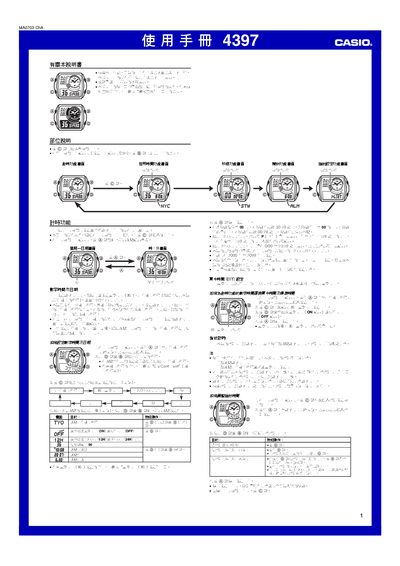
This manual provides step‑by‑step instructions for operating the Casio 4397 wristwatch. It covers basic time setting, selection of 12‑hour or 24‑hour display, daylight‑saving time (DST) adjustments, and how to use the alarm and LED backlight.
The watch also includes a World Time function for up to 48 cities, a seconds timer that measures up to 59.99 seconds, and a city code table for quick reference. Additional details such as battery replacement, automatic hand‑position correction and operation sounds are described. This manual is written in Japanese.
| Year range | 2000‑2099 |
|---|---|
| Time format | 12‑hour or 24‑hour |
| World time cities | 48 cities |
| Seconds timer range | 0‑59.99 seconds |
In the time‑setting menu select either 12H or 24H to change the hour format.
Open the World Time function, then choose the desired city from the list of 48 supported locations.
Press the reset key while in the seconds‑timer mode; the display will return to 00.00 seconds.