
This manual introduces the functions and usage methods of the watch, including time display format, how to set time and date, dynamic display function, etc.
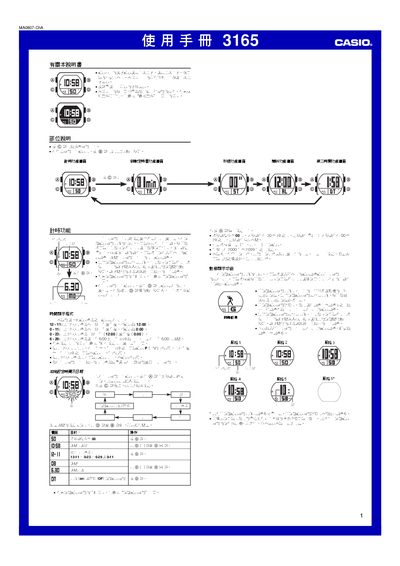
This manual describes the operation of the Casio 3165 wristwatch, covering basic time‑setting, date‑setting, and the various display styles available. It explains how to navigate between function screens, enable or disable dynamic display, and use the built‑in alarms and countdown timer.
Detailed instructions are provided for each function, including the stopwatch, second‑time zone display, illumination, and button‑sound settings. The document also lists the automatic return behavior and battery‑saving tips. This manual is written in Chinese.
| Year setting range | 2000‑2099 |
|---|---|
| Countdown timer range | 1‑60 minutes |
Press the @@ button on any function screen (except setting screens) to light the LEDs for about one second.