
This manual introduces the functions of the watch, including timing, world time, stopwatch, and alarm. It also explains how to set the digital time and date, as well as the daylight saving time setting.
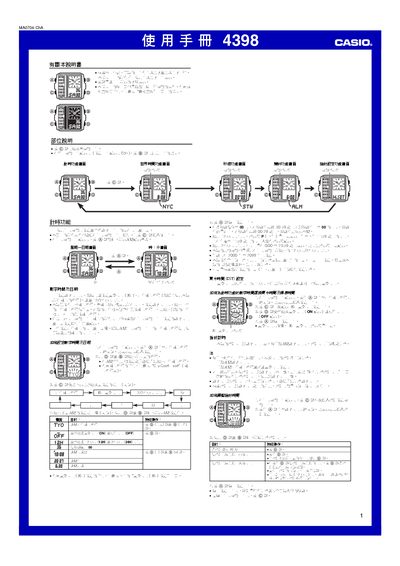
This manual describes how to operate the Casio 4398 watch. It covers setting the world‑time function for up to 48 cities, adjusting daylight‑saving time, and using the built‑in stopwatch.
Additional sections explain how to switch between 12‑hour and 24‑hour formats, enable the LED illumination, and configure operation sounds. The guide also includes a city‑code table for quick reference. This manual is written in Chinese.
| Hour format | 12‑hour or 24‑hour |
|---|---|
| Hour format | 24‑hour |
| LED illumination | Built‑in LED for backlight |
| Year setting range | 2000‑2099 |
| Stopwatch resolution | 0.01 s (up to 59 min 59.99 s) |
| World‑time cities supported | 48 cities |
Enter the DST setting screen, then toggle the DST switch ON or OFF as needed.
Yes, select the 24‑hour format in the hour‑format setting screen.
The stopwatch counts up to 59 minutes 59.99 seconds.
The watch provides world‑time for 48 predefined cities.