
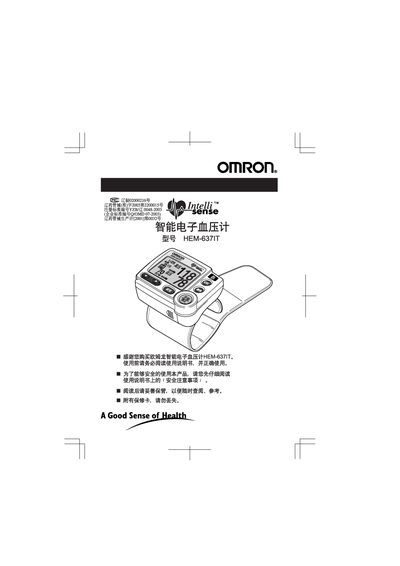
This manual explains how to safely set up and use the Omron HEM-637IT wrist‑type blood pressure monitor. It covers safety precautions, battery installation, date and time configuration, cuff placement, and proper measurement techniques to ensure accurate readings.
The guide also includes information on the device’s features such as position‑sensing, large LCD display, and storage of up to 90 measurements, as well as maintenance tips, warranty details, and troubleshooting advice. This manual is written in Chinese.
| Battery type | 7‑size alkaline (2 cells), approx. 300 measurements |
|---|---|
| Measurement storage capacity | 90 readings |
| Display | Large clear LCD numeric display |
| Position sensing | Built‑in position‑sensing function |
Press the Start/Stop button, then use the plus and minus buttons to adjust the year, month, day, and hour as shown on the screen; press the Set button to confirm each value.
The device uses two 7‑size alkaline batteries and can perform about 300 measurements under normal conditions.
Measure after deep breathing and relaxation, avoid measuring right after urination, bowel movements, meals, alcohol, caffeine, smoking, or exercise, keep a stable posture, measure at the same time each day, and stay in a comfortable temperature environment.
The monitor can store up to 90 measurement records.