
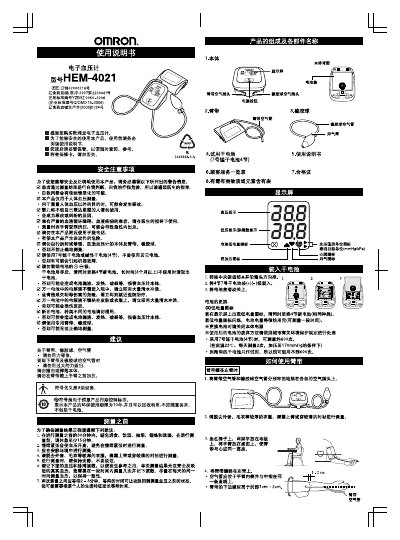
This manual explains how to safely use the Omron HEM-4021 electronic blood pressure monitor. It covers preparation before measurement, proper cuff placement, measurement procedures, and how to interpret the displayed results.
Additional sections describe battery installation and replacement, switching display units, error symbols with troubleshooting steps, and warranty information. Maintenance tips help keep the device in good condition and extend its service life. This manual is written in Chinese.
| Measurement range | 0–299 mmHg (0–39.9 kPa) |
|---|---|
| Pressure accuracy | ±4 mmHg (±0.5 kPa) |
| Battery type | 4 × AA (7号) alkaline batteries |
| Battery life (approx.) | ≈600 measurements per set |
| Device weight | ≈107 g (without batteries) |
The monitor measures blood pressure from 0 to 299 mmHg (0 to 39.9 kPa).
Press and hold the power button for more than 5 seconds while the device is on; the display unit will toggle.