
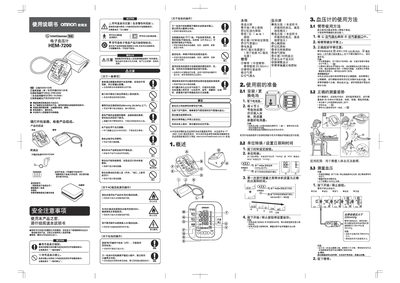
This manual explains safety precautions, how to unpack and assemble the HEM‑7200, and how to install the optional AC power supply and batteries. It details the correct measurement posture, cuff placement, and operation of the start/stop button for accurate blood‑pressure readings.
Additional sections cover the memory function that stores up to 60 measurement sets, troubleshooting common errors, specifications such as pressure range and operating environment, and guidance for cleaning, storage, and warranty service. This manual is written in Chinese.
| Memory capacity | 60 measurement sets |
|---|---|
| Battery type | 4 × 6号 alkaline dry cells |
| AC power supply voltage | 220 V AC |
The device can automatically save up to 60 sets of measurement results.
It uses four 6‑size alkaline dry cells.