
This is the instruction manual for VP-D530/D530i/D530T/D530Ti VP-D590/D590i/D590T/D590Ti
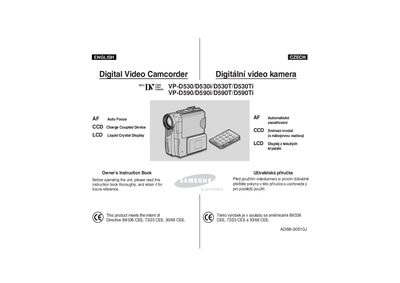
This manual provides detailed operating instructions for Samsung VP‑D530/D530i/D530T/D530Ti and VP‑D590/D590i/D590T/D590Ti digital video camcorders. It includes information on basic controls, menu navigation, recording modes, playback functions, and how to connect accessories such as the remote control, AC adapter, and Memory Stick.
Safety guidelines cover battery handling, moisture condensation, temperature limits, and proper care of the lens and LCD screen. The guide also explains battery charging, battery‑life expectations, and troubleshooting steps for common issues.
| Battery life (normal operation) | about 1 week |
|---|---|
| Maximum operating temperature | above 60 °C (140 °F) not allowed |
Connect the camcorder to the AC power adapter and DC cable, then charge the battery pack before first use.
Avoid moving the camcorder quickly from a cold to a warm environment; let it sit in a dry, warm room with the cassette compartment open for at least two hours.