
This manual will guide you through using the camera, including capturing images, downloading images and using the application software.
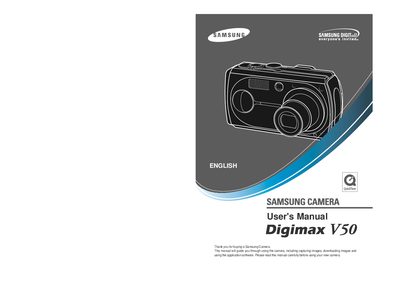
This manual guides you through using the Samsung Digimax V50 digital camera, covering initial setup, battery installation, and basic operation such as taking photos, recording video, and using voice memos. It also explains how to connect the camera to a computer via the supplied USB cable and install the provided software.
Safety information, warnings, and troubleshooting tips are included to help you avoid damage to the camera and ensure safe handling. Contact details for Samsung service centers worldwide are provided at the end of the document.
Use the supplied USB cable to connect the camera to the PC; do not use a card reader as it may damage the images.
Press the camera button to power it on before attempting to take a picture.
No, do not use the flash in close proximity to people or animals to avoid eye damage.