
This manual introduces the features and characteristics of the 8mm color liquid crystal camera SCL700/L710/L750/L770 and provides detailed usage instructions.
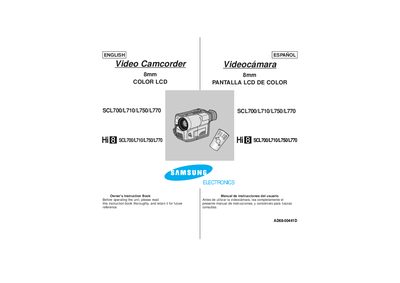
This manual covers all aspects of using the Hi Hi SCL700/L710/L750/L770 8 mm video camcorder, including safety notices, battery handling, recording and playback procedures, and detailed descriptions of the camcorder’s features such as zoom, digital effects, and picture‑in‑picture. It also explains how to connect accessories, adjust the LCD, and maintain the device.
Technical specifications are listed, giving details on the video recording system, optical zoom, power consumption, dimensions, and environmental limits. The document includes troubleshooting tips, cleaning instructions for the video heads, and guidance for operating the camcorder in various lighting conditions.
| Video recording system | 2 rotary heads, Helical scanning FM |
|---|---|
| Optical zoom ratio | 22x |
| Focal length | 3.6–79.2 mm (f/1.6) |
| Recording time (P6‑120 cassette) | 120 min |
| Power consumption (SCL700/L710) | 5.4 W |
| Dimensions (W×H×D) | 101 × 104 × 174 mm |
| Weight | 780 g |
The lithium battery lasts about 8–10 months under normal operation.
Rotate the LCD screen carefully as illustrated; improper rotation may damage the hinge inside the camcorder.
Use a dry‑type cassette cleaner; do not use a wet‑type cleaner as it may damage the heads.
The camcorder provides a 22× optical zoom ratio.