
R403/R453 user manual, this user manual mainly introduces the use methods, safety precautions, correct posture for operating the computer, basic parts, keyboard, touchpad, CD-ROM drive, multiple card slots, Express card slot, volume adjustment, LCD brightness control, BIOS setup program, battery, battery installation/removal, battery charging, measurement of remaining battery power, battery life extension, safety lock port and other contents.
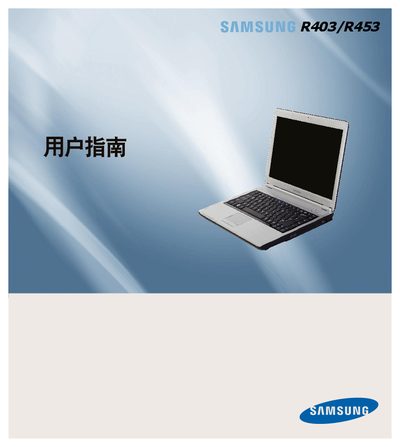
This manual covers the basic setup, installation steps, and operating instructions for the Samsung R403/R453. It includes safety guidelines, hardware specifications, and supported operating systems.
Additional sections provide warranty details, regulatory information, and troubleshooting tips to help users maintain the device effectively.
| Hard Disk Capacity | 80 GB |
|---|---|
| Supported Operating Systems | Windows XP, Windows Vista |
The device supports Windows XP and Windows Vista.
The hard drive capacity is 80 GB.