
Thank you for purchasing and using the Samsung camera. This user manual will guide you how to use the camera, including capturing images, downloading images and using application software. Please read this manual carefully before using the camera.
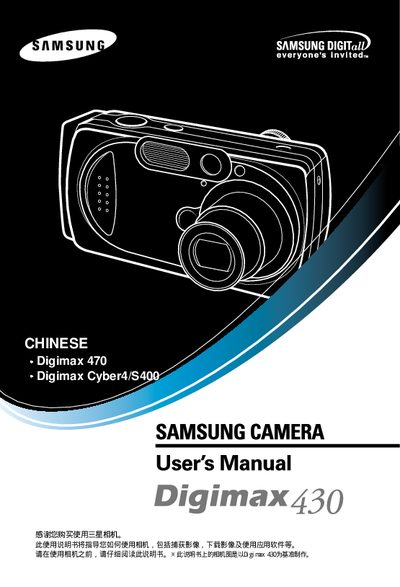
This manual explains how to safely operate the Samsung Digimax 430 digital camera, covering basic functions, LCD display usage, and important safety precautions. It includes warnings about battery handling, flash use, and environmental conditions to prevent damage or injury.
The guide also details connecting the camera to a PC via USB, using DPOF for printing, and configuring settings on Windows or Mac. Instructions for battery replacement, image transfer, and troubleshooting common issues are provided. This manual is written in Chinese.
| Interface | USB |
|---|---|
| Display | LCD |
| Printing | DPOF |
Connect the camera to the PC using the supplied USB cable and plug it into the computer’s USB port.
Make sure the USB connection is secure and the cable is properly seated before transferring images.