
USB to Serial RS232 Cable is a unique connection product produced by Shiny company, which allows you to connect more standard serial ports (RS232) devices through USB port, and at the same time achieve higher transmission speed. Applicable objects include Modem, I SDN-TA, digital camera, bar code scanner, Palm handheld computer PDA (WinCE system), label printer, POS system, industrial control machine, security access system, etc.
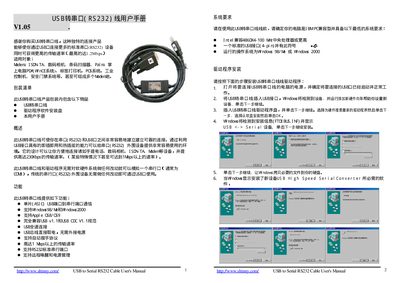
The USB to Serial RS232 cable lets you connect standard RS232 devices to a computer’s USB port, offering plug‑and‑play and hot‑plug capabilities. It supports data rates up to 1 Mbps and works with a range of devices such as digital cameras, barcode scanners, PDAs, and industrial controllers.
The manual explains how to install the driver on Windows, configure the virtual COM port, remove the driver, and obtain drivers for other operating systems like Apple OS 8/9 and Linux. It also includes packaging contents, FCC compliance information, and a disclaimer. This manual is written in Chinese.
| Maximum data rate | up to 1 Mbps |
|---|---|
| USB compliance | USB v1.1 and USB CDC v1.1 |
| Power source | Powered from USB, no external supply needed |
| Supported operating systems | Windows 98/2000, Apple OS 8/OS 9, Linux |
Unplug the cable, run the "ftdi_uninstall.exe" program from the driver CD, and then restart the computer.