
The V24 USB to Parallel Cable User Manual provides installation, driver setup, and usage instructions for connecting a computer to parallel devices.
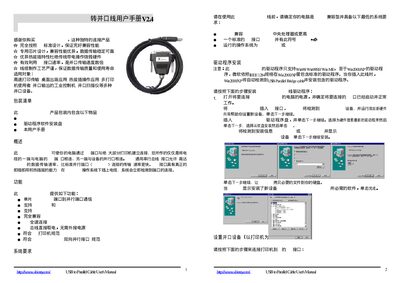
This manual explains how to connect the USB‑to‑Parallel cable to a PC and to various parallel devices such as printers, scanners, and industrial control machines. It describes the cable’s features, including full‑speed USB communication, bus‑powered operation, and compliance with IEEE‑1284 standards.
The guide covers system requirements, driver installation on Windows 98/ME/2000/XP, step‑by‑step connection procedures, and how to uninstall the driver if needed. A disclaimer and legal notice are also included. This manual is written in Chinese.
| Power | Bus‑powered, no external power required |
|---|---|
| Interface Compatibility | IEEE‑1284 bidirectional parallel interface |
Connect the cable, then follow the on‑screen wizard: click Next, select the driver from the provided disk, and complete the installation steps as described.
Unplug the cable, run the driver removal program from the supplied disk, follow the prompts, and then restart the computer.