
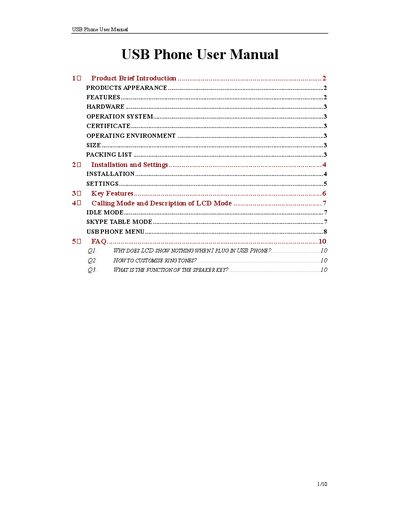
This manual introduces the USB Phone, describing its appearance, key features, and hardware specifications such as a standard USB1.1 connector, built‑in 16‑bit sound card, and a 20 kHz loudspeaker. It also lists supported languages, menu functions, and the device’s operating environment.
Installation instructions guide you through connecting the phone, installing the software from the provided CD, and configuring Skype. Subsequent sections cover menu navigation, ring‑tone customization, volume control, and troubleshooting FAQs.
| USB connector | Standard USB1.1, compatible with USB 1.0 and 2.0 |
|---|---|
| Sound card | Built‑in 16‑bit sound card |
| Loudspeaker bandwidth | 20 kHz |
| LCD display | Four‑row backlight display |
| Operating temperature | 0 °C to 40 °C (32 °F to 104 °F) |
| Storage temperature | -30 °C to 65 °C (-22 °F to 149 °F) |
| Humidity range | 10 % to 90 % (no dew) |
| Dimensions | 130 mm × 47 mm × 25 mm |
The LCD stays blank if the USB Phone controller isn’t running; start the controller from the Windows Start menu.
The speaker key increases ringing volume and can be used for playback when the USB Phone acts as the system sound device.