
USB Phone User Manual is about the introduction of USB Phone product user manual, including product appearance, features, hardware requirements, operating system, certificate, operating environment, size, packing list and other information.
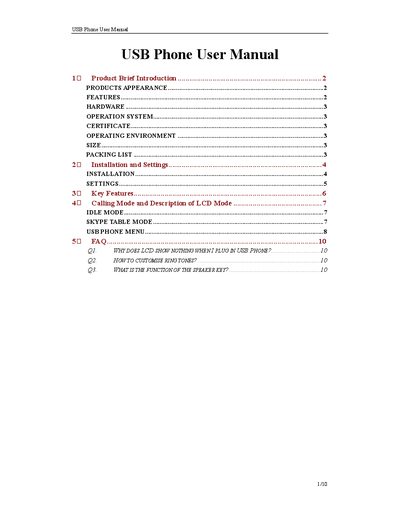
This manual describes the appearance, hardware specifications, and key features of the USB Phone, including its built‑in 16‑bit sound card, 20 kHz loudspeaker, and four‑row LCD display. It also lists the packing contents and required operating environment.
Installation steps guide you through connecting the device, installing the driver software from the CD, and configuring Skype to work with the USB Phone. Subsequent sections explain how to customize ring tones, adjust volume, use the keypad for calls, and navigate the various menu modes such as Idle, Skype Table, and Call History.