
MAX1538 is a battery selector produced by Texas Instruments, which can select AC power or battery power according to battery status. MAX1538 has the ability to quickly switch power sources and realize hot swapping of battery packs.
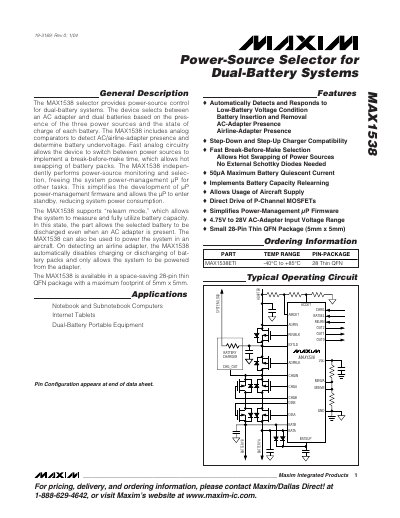
The MAX1538 selector provides power‑source control for dual‑battery systems, automatically choosing between an AC adapter, an airline adapter, and two batteries based on availability and battery state. It includes analog comparators for AC/airline detection and battery‑undervoltage, and implements fast break‑before‑make switching that allows hot‑swapping of battery packs.
The device is offered in a space‑saving 28‑pin thin QFN package (5 mm × 5 mm) and operates from –40 °C to +85 °C. Electrical specifications such as supply‑voltage ranges, quiescent currents, and output voltages are detailed in the datasheet for designers.
| Package | 28‑pin thin QFN, 5 mm × 5 mm |
|---|---|
| Operating Temperature Range | -40 °C to +85 °C |
| ADPIN / EXTLD Supply Voltage Range | 4.75 V to 28 V |
| Quiescent Current (VBATSUP) | 40 µA |
| VDD Output Voltage | 3.3 V (typical) |
It is supplied in a 28‑pin thin QFN package measuring 5 mm × 5 mm.
The device operates from –40 °C to +85 °C.
Both ADPIN and EXTLD can be supplied with voltages from 4.75 V up to 28 V.