
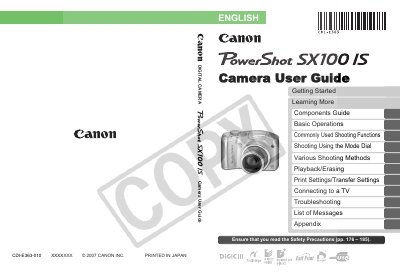
This manual guides you through getting started with the PowerShot SX100 IS, including installing batteries and memory cards, setting date and time, and basic shooting and playback operations. It also explains component functions, mode dial usage, various shooting methods, and how to connect the camera to a TV or printer.
Later sections cover advanced features such as image stabilization, flash settings, video recording, printing and transfer settings, safety precautions, troubleshooting, and a full list of on‑screen messages. An appendix provides specifications and an index for quick reference.
| Battery type | 2 Alkaline AA batteries |
|---|---|
| LCD monitor pixel accuracy | More than 99.99% of pixels operate to specification |
Use the TV connection instructions in the "Connecting to a TV" section of the manual.
Safety precautions are listed in the Appendix, starting on page 176.
The camera uses two alkaline AA batteries.