
4725 1 MA0602-ChA user manual. It mainly introduces the use methods of watch functions.
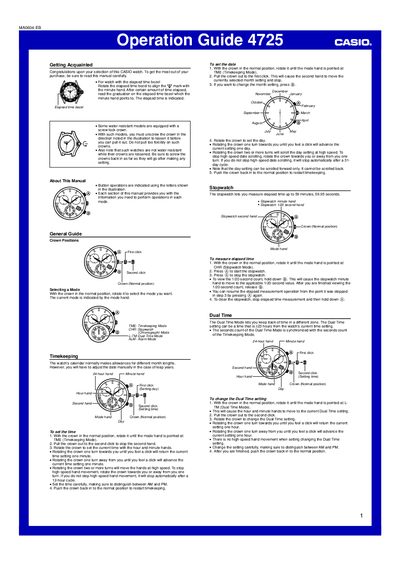
This operation guide introduces the Casio 4725 watch and provides step‑by‑step instructions for using its features. It covers basic handling, crown positions, and how to select different modes such as timekeeping, stopwatch, dual‑time and alarm.
The manual details procedures for setting the time and date, operating the stopwatch, configuring dual‑time and alarm settings, and adjusting hand and date home positions. It also includes notes on water‑resistant models and cautions for crown handling.
| Stopwatch measurement range | up to 59 minutes, 59.95 seconds |
|---|---|
| Alarm tone duration | 15 seconds |
Rotate the crown to the Timekeeping mode, pull it out to the second click to stop the second hand, then turn the crown to adjust hour and minute hands, finally push the crown back in.
The stopwatch can measure elapsed time up to 59 minutes and 59.95 seconds.