
This manual is about the use of the MA0906-ChA watch. The watch has different models, and the text on the display screen can be either white with black letters or black with white letters. The manual provides detailed instructions on various functions of the watch, including timing function, alarm function, and countdown timer function. It also explains how to set the time and date, switch between 12-hour and 24-hour display, and set different types of alarms.
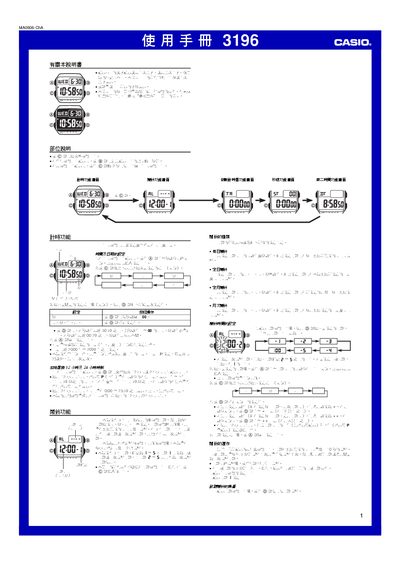
This manual provides step‑by‑step instructions for operating the Casio 3196 digital watch. It covers basic time‑setting, calendar adjustment, 12/24‑hour display selection, and illumination control.
Detailed sections describe the five individual alarms, hourly chime, countdown timer with auto‑repeat, stopwatch with split‑time measurement, and a secondary time zone function. Technical specifications such as accuracy, battery type and measurement ranges are listed at the end of the document. This manual is written in Chinese.
| Time Format | 12‑hour or 24‑hour display selectable |
|---|---|
| Calendar Range | 2000‑2099 (full‑auto) |
| Battery | 1 × CR2025 lithium cell (≈10 years) |