
This manual introduces the timing function and time display format of the watch. The watch can automatically change the time display style on the timing function screen through the dynamic display function. In addition, the watch also has the function of setting time and date.
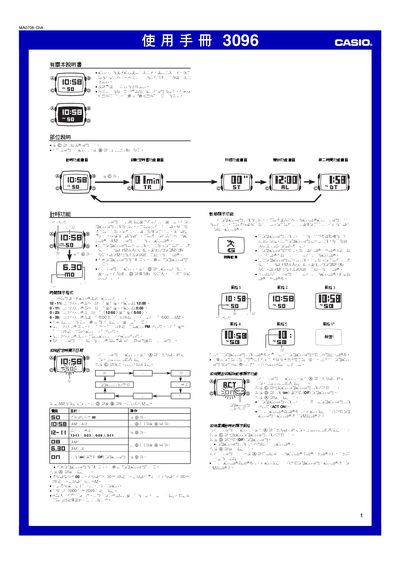
This manual provides step‑by‑step instructions for operating the Casio 3096 1MA0708‑ChA watch. It covers time and date setting, choosing 12‑hour or 24‑hour formats, and enabling or disabling the dynamic display that changes the watch face style as you move.
Additional sections describe the countdown timer (1‑60 min), stopwatch (up to 59 min 59.99 s), alarm setup, second‑time zone display, automatic illumination, and button‑sound settings. The guide also includes reference data such as year‑setting range and LED illumination details. This manual is written in Chinese.
| Year setting range | 2000–2099 |
|---|---|
| Countdown timer range | 1 min to 60 min |
| Stopwatch measurement limit | 59 min 59.99 s |
| LED illumination duration | ≈1 second per press |
The countdown timer can be set from 1 minute up to 60 minutes.