
Instruction manual, introducing the usage of 3093/3094 watches, including timing function, alarm function, stopwatch function and time setting function.
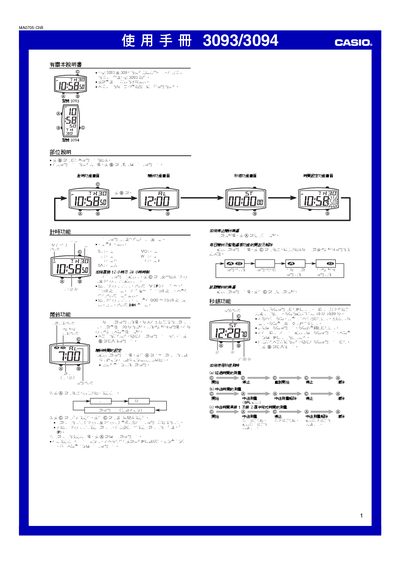
This guide covers the basic operation of the Casio 3093/3094 timer, describing the timer display, button functions, and how to switch between 12‑hour and 24‑hour modes. It also details the alarm feature, including how to enable, set, test, and stop the alarm.
The stopwatch section explains how to start, stop, reset, and record split times, as well as how to measure intermediate times for multiple participants. The time‑setting chapter shows how to adjust the current time, date, and weekday using the B, A, and C buttons. This manual is written in Chinese.
| Stopwatch display range | 59 min 59.99 sec |
|---|---|
| Time format options | 12‑hour and 24‑hour display |
| Alarm sound duration | 20 seconds |
| Alarm stop method | Press A button |
Press the C button on the timer screen to toggle between 12‑hour and 24‑hour modes.
Press and hold the A button until the hour digits flash, then use the A and C buttons to adjust the hour and minute values.
Press the A button to silence the alarm.