
This manual introduces how to use the watch, including setting time and date, setting daylight saving time, switching between 12-hour and 24-hour time format
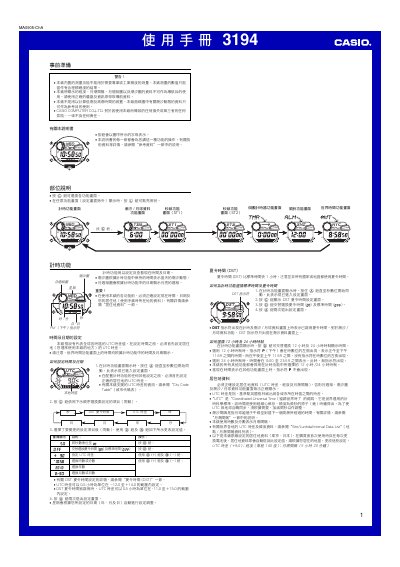
This manual explains how to prepare the Casio 3194, set the correct residence location and UTC offset, and use the tide and lunar data functions. It also covers the world time feature, which can display the time for up to 48 cities, and details the timer and stopwatch functions.
The device includes automatic illumination, multiple alarm types, and a countdown timer that can be set from 1 minute up to 24 hours. Instructions are provided for enabling and disabling the illumination, configuring alarms, and using the various timer modes such as the second‑hand functions (ST1, ST2). This manual is written in Chinese.
| UTC offset accuracy | ±15 seconds per month |
|---|---|
| Maximum timer duration | 999 hours 59 minutes 59.99 seconds |
| Battery type | CR2025 (≈2 years life) |
Activate the automatic illumination function via the designated function key; the light stays on for 3 or 5 seconds and automatically turns off after about 6 hours.
It uses a CR2025 lithium battery, which can power the device for about two years.