
This document is the user manual for manual 3079 1 MA0611-ChA, which describes the functions and operations of the watch, including timing, world time, alarm, and e-DATA MEMORY. It also provides instructions for setting the time and date.
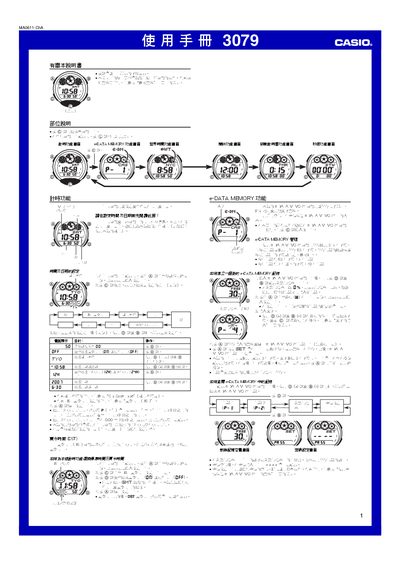
This manual explains how to operate the Casio 3079 1MA0611-ChA electronic watch, covering basic time and date setup, world time, and lighting features. It also details advanced functions such as e‑DATA MEMORY, password protection, and various alarm modes.
Step‑by‑step procedures are provided for each function, including how to edit and delete e‑DATA MEMORY records, configure alarms, use the countdown timer, and operate the stopwatch. Safety notes for the automatic illumination feature are also included. This manual is written in Chinese.
| Year setting range | 2000‑2039 |
|---|---|
| Display illumination | LED with light guide plate |
Display the time‑setting screen, hold the A button until the seconds digits flash, then use the C, D, and B buttons to change the desired fields and press A to save.
Enter the e‑DATA MEMORY screen, select the password setting option, and use the D (+) and B (–) buttons to set a four‑digit password, confirming with the C button.
The year can be set between 2000 and 2039.