
This document describes the various features and operations of the watch, including timing function, time display format, dynamic display function, and how to set the time and date.
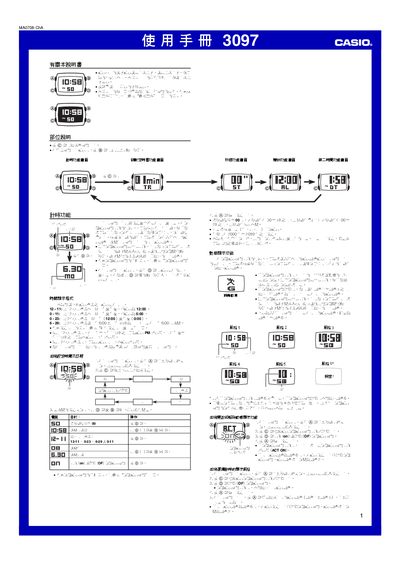
This manual provides step‑by‑step instructions for operating the Casio 3097 digital watch. It covers basic functions such as time and date setting, multiple display styles, and the built‑in automatic calendar.
Advanced features are described in detail, including the dynamic display mode, countdown timer, stopwatch, alarm, second‑time zone, illumination, button sounds, and flashing alerts. Each function includes button sequences and setting procedures. This manual is written in Chinese.
| Year setting range | 2000‑2099 |
|---|---|
| Time display formats | 12‑hour, 24‑hour, 6‑29 hour |
| Countdown timer range | 1‑60 minutes |
| Stopwatch limit | 59 min 59.99 s |
| Illumination type | EL panel with LED |
| Automatic calendar | Adjusts month length and leap years |
Press and hold the A button until the seconds start flashing to enter the setting screen, then use the C button to select a field and the D and B buttons to change the values.
On the alarm screen, press D to toggle the alarm; the ALM indicator will appear when the alarm is active.