
This is a user manual for 5060 watch. It is a solar powered radio wave watch which can automatically receive time calibration radio waves to ensure the accuracy of the watch.
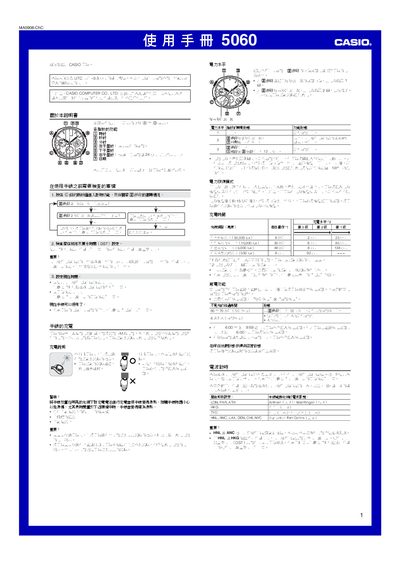
This manual explains how to operate the Casio 5060 solar‑powered watch. It covers charging the built‑in battery, power‑saving modes, radio‑signal time calibration and how to set the residence city, daylight‑saving time and world‑time zones.
Detailed procedures are provided for using the stopwatch, countdown timer, alarm, base‑position adjustment and troubleshooting common issues such as low power or incorrect time display. This manual is written in Chinese.
| Accuracy (normal temperature) | ±15 seconds per month |
|---|---|
| Power source | Solar cell + rechargeable battery |
| Calendar range | Full automatic calendar 2000‑2099 |
| World‑time cities supported | 29 cities (time zones) |
| Automatic radio‑signal receptions per day | Up to 6 |
| Countdown timer range | 1 min – 24 h |
| Stopwatch measurement limit | 23 h 59 min 59.95 s |
Place the watch where it receives bright light; the solar cell converts light to electricity and charges the internal rechargeable battery.
In the timing function, hold the @ button about five seconds, then rotate the city‑code dial to select the desired city and press @ again to choose STD or DST.
Enter base‑position adjustment by holding the @ button for about two seconds until the watch beeps twice, then use the + and – buttons to move each hand to the 12‑o’clock position.
Select the countdown timer with the @ button, set the start time using the + and – buttons, then start or stop the timer with @.