
This is a watch instruction manual, model number 2499 and 3092, you can set time, date, alarm and other functions
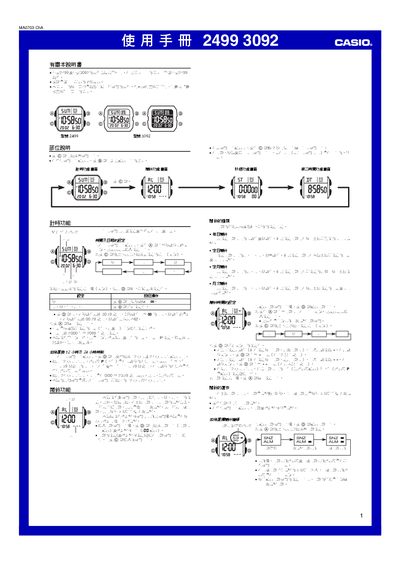
This manual provides step‑by‑step instructions for operating the 2499/3092 electronic watch. It covers time and date setting, 12/24‑hour display selection, alarm configuration, hourly chime, stopwatch operation, and the secondary time function.
Each function is described with button sequences (A, B, C, D) and visual indicators shown on the display. The guide also includes reference data such as calendar handling, LED backlight usage, and automatic return behavior after inactivity. This manual is written in Chinese.
| Stopwatch range | 23 h 59 min 59.99 s |
|---|---|
| Date setting range | 2000‑2099 |
| Calendar type | Full‑automatic calendar (leap‑year aware) |
| Display illumination | LED backlight with 1‑second illumination per press |
While on the time‑keeping screen, press the D button to toggle between 12‑hour and 24‑hour formats.