
Instruction manual, introduces the functions and usage methods of the watch
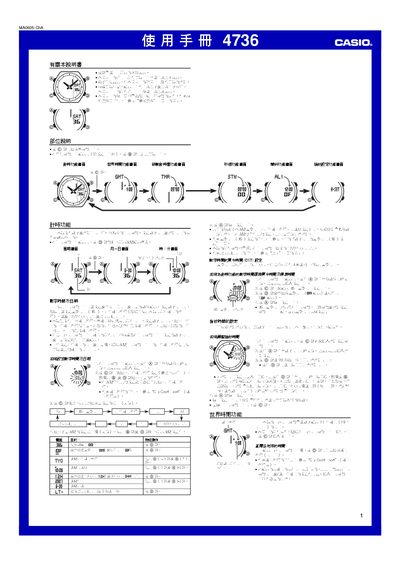
The Casio 4736 1MA0605‑ChA watch manual provides step‑by‑step instructions for all functions, including timing, world time, countdown timer, stopwatch, alarm and illumination settings. Each section describes the button sequence needed to configure the feature and includes reference data such as city codes and daylight‑saving settings.
The guide also covers technical details like LED illumination, year‑range settings, and automatic calendar adjustments, helping users fully utilize the watch’s capabilities without needing additional documentation. This manual is written in Chinese.
| LED count | 2 |
|---|---|
| Year setting range | 2000‑2039 |
| World‑time cities supported | 27 cities |
Press and hold the A button on the timing screen until the seconds digits flash to enter the setting mode, then use the C, B and D buttons to select and change the city, time, date and other options.
While in the DST setting screen, press the D button to toggle between daylight‑saving time and standard time.