
华为E5186-22 wireless router configuration guide
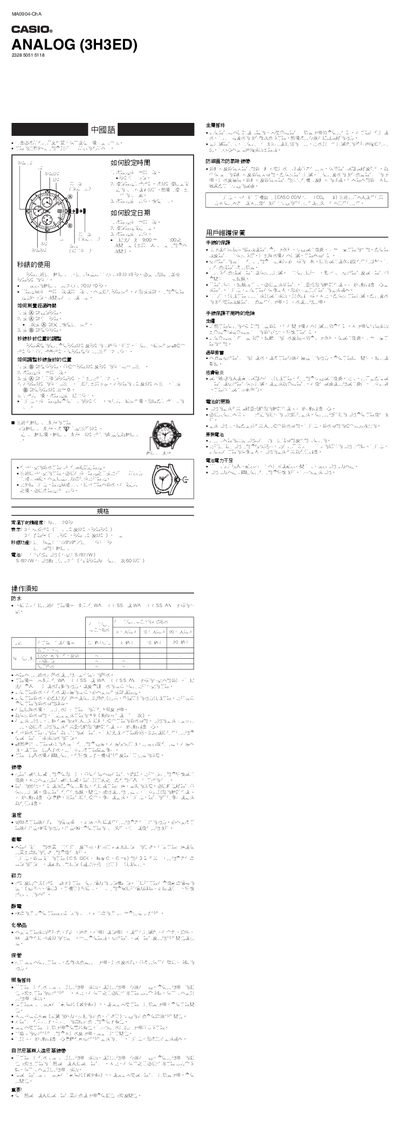
This manual explains how to set the time and date on the Casio 5118 watch, including pulling the crown to the appropriate position, stopping the second hand, adjusting the hands, and returning the crown. It also covers the watch’s specifications such as accuracy, display layout, stopwatch range, and battery type.
Additional sections describe waterproof handling, battery replacement procedures, storage recommendations, and safety cautions to ensure long‑term reliability of the watch. This manual is written in Chinese.
| Accuracy (room temperature) | ±20 seconds per month |
|---|---|
| Display | 3 analog hands (hour, minute, second) + date window |
| Stopwatch range | Up to 11:59:59 |
| Battery type | SR927W button cell |
| Battery life | Approximately 2 years |
Pull the crown out to the second position, stop the second hand, adjust the hour, minute and second hands to the desired time, then push the crown back to its original position.
Pull the crown out to the first position and rotate it to select the correct date, then return the crown to its normal position.
Yes. The watch is marked with "WATER RESIST" or "WATER RESISTANT" and is designed for everyday water exposure, but should not be used in high‑pressure water activities.