
This manual introduces the usage of 5029 1 MA0712-ChA watch, including the usage of stopwatch and the setting of time.
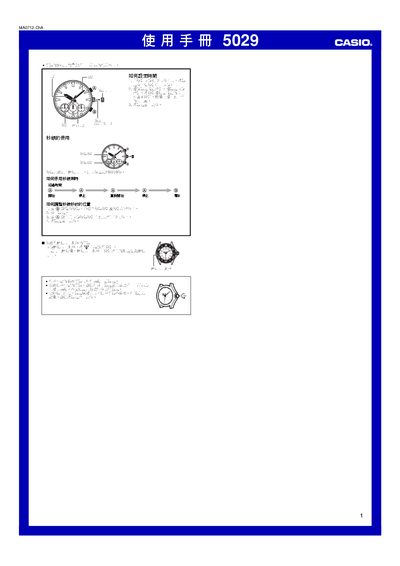
This manual provides step‑by‑step instructions for setting the time on the Casio 5029 watch, including how to stop the second hand, adjust the hands, and return the crown to its original position. It also explains the operation of the built‑in stopwatch function and the watch's water‑resistance handling.
Additional safety notes cover proper handling of the crown and reminders to ensure the watch is correctly sealed after adjustments. The guide includes diagrams that may differ slightly from the actual device, and it emphasizes returning the crown to its original position after each setting. This manual is written in Chinese.
| Stopwatch maximum time | 29 minutes 59 seconds |
|---|
Pull the crown out to stop the second hand, rotate the hands to the desired time, then push the crown back to its original position.
Start the stopwatch by moving the second hand to the 12‑o’clock position, then use the controls to measure elapsed time up to 29 minutes 59 seconds.