
This manual describes the operation of the 5030 watch, including the timing function, stopwatch function, alarm function, calendar function, and second time function.
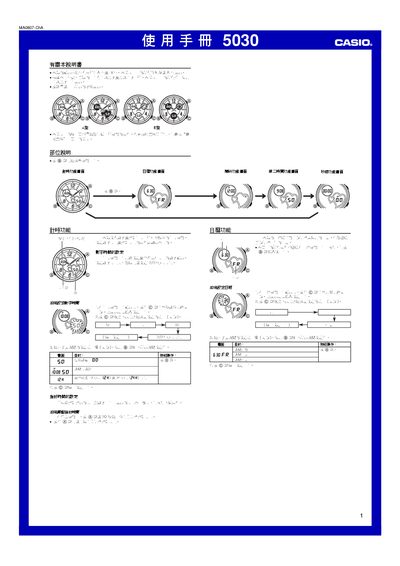
This manual explains the two display types (A and B) used by the Casio 5030 watch and describes the button symbols that control each function. It guides you through setting the digital and analog time, adjusting the calendar, and switching between 12‑hour and 24‑hour modes.
Additional sections cover alarm setup, the hourly chime, stopwatch operation, second‑time zone configuration, and reference data such as automatic return to the main screen. All procedures are illustrated with screen‑shot style diagrams showing the required button presses. This manual is written in Chinese.
| Display types | A and B (white‑background black‑text or black‑background white‑text) |
|---|---|
| Stopwatch range | 59 min 59.99 sec |
| Alarm duration | ≈ 20 seconds per activation |
From the stopwatch screen, press the @ button to start/stop timing; press and hold @ again to reset the stopwatch to zero.