
This document is a user manual for CASIO watches. The watch uses a solar-powered battery and needs to be exposed to light to maintain the battery power. The watch has various functions, including alarm, countdown timer, world time, etc. The screen of the watch can be turned off to save power when there is no light.
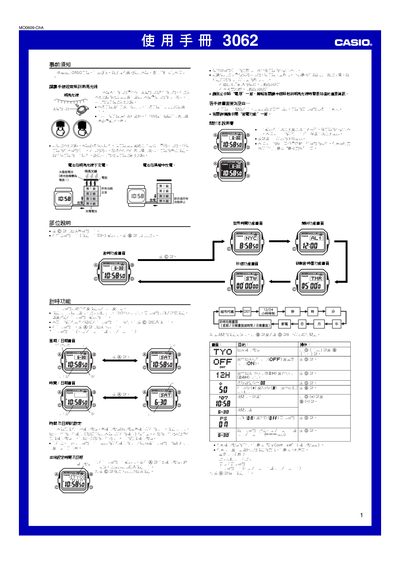
This manual provides step‑by‑step instructions for using the Casio 3062 solar watch, covering time and date setup, alarm and timer functions, world‑time display, and lighting options. It also includes important safety and charging guidelines to keep the watch powered and reliable.
Key sections describe how to charge the watch with sunlight or indoor lighting, how to enable automatic illumination, and how to manage power‑saving features. Technical details such as battery level indicators, charging times, and display duty cycles are also provided. This manual is written in Chinese.
| Charging time in bright sunlight | ≈5 minutes |
|---|---|
| Charging time under indoor fluorescent light | ≈50 minutes |
| Maximum run time on full charge | ≈13 months |
| Display duty cycle | 18 hours active / 6 hours sleep |
| Illumination duration options | 1.5 s or 2.5 s |
While any function screen is displayed, hold the B button for about 2 seconds to toggle the automatic lighting indicator on or off.