
This manual provides information about the use of manual 3057 1 MA0608-ChA, including button functions and operations of various function screens. The timing function is used to set and view the time and date, and the world time function displays the time of 48 cities. It also explains the methods for setting the time and date and selecting daylight saving time.
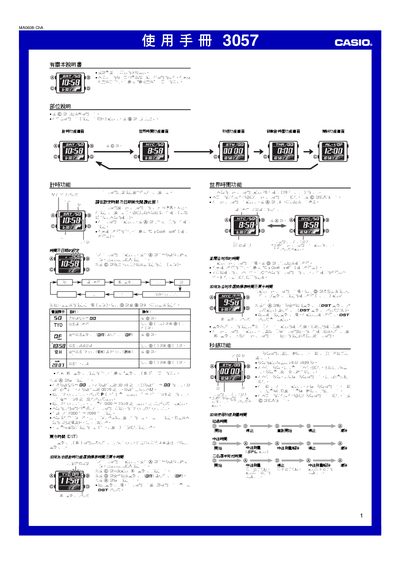
This manual explains how to operate the Casio 3057 watch. It details each function screen, button operations, and provides technical notes such as daylight saving time, automatic calendar and illumination settings.
The guide includes step‑by‑step instructions for setting time and date, configuring world‑time cities, using the stopwatch, countdown timer, and managing up to five daily alarms. It also describes button‑tone control and battery‑saving tips. This manual is written in Chinese.
| Number of daily alarms | 5 |
|---|---|
| Backlight type | EL (electroluminescent) panel |
| Automatic calendar | Full‑automatic, adjusts month length and leap years |
| Stopwatch display limit | 59 min 59.99 sec |
Hold the C button on any function screen to toggle the button‑operation sound on or off.