
Instruction manual, introduce the use of 3175 watch, including timing function, summer time, world time function, etc.
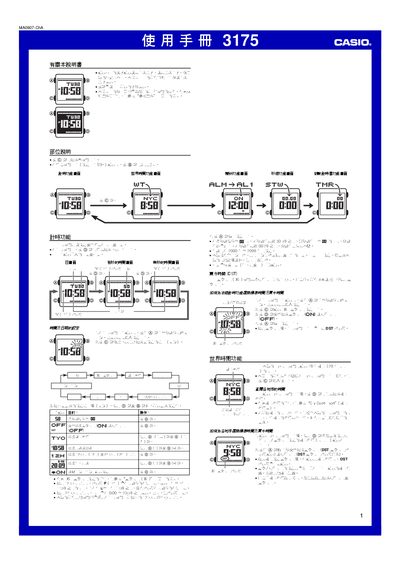
This manual explains how to operate the Casio 3175 digital watch. It covers the basic time‑keeping functions, how to set the date, choose 12‑hour or 24‑hour display, and configure daylight‑saving time. The world‑time feature lets you view the time in up to 48 cities, and the alarm system includes five independent alarms with optional hourly chime.
Additional sections describe the stopwatch, countdown timer, automatic illumination using an EL panel, and battery information. Safety notes warn about using the automatic light while cycling or riding a motorbike, and the specifications list accuracy, calendar range, and power details. This manual is written in Chinese.
| Time format | 12‑hour or 24‑hour selectable |
|---|---|
| Calendar range | 2000‑2099 (full‑auto) |
| Battery | CR1616 lithium, approx. 3 years |
| Lighting | EL electronic fluorescent panel with automatic illumination |
Enter the time‑setting mode by holding the @ button until the seconds digits flash, then use the @ and @@ buttons to adjust hours, minutes and seconds.
After enabling the automatic‑illumination feature, the EL panel lights up automatically whenever you turn the watch toward you, regardless of the current function screen.
The Casio 3175 provides five independent daily alarms – four single‑tone alarms and one intermittent alarm.
The watch uses a CR1616 lithium battery, which typically lasts about three years with normal use of the illumination and alarms.