
This manual introduces how to use Casio watches. The watch has a built-in solar cell and needs to be charged in the light. The watch has a time calibration radio reception function that can automatically adjust the time. The watch can be manually set to the time and date.
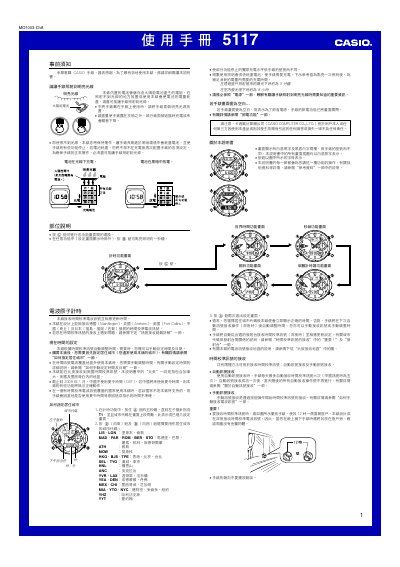
The Casio 5117 is a solar‑powered wristwatch that automatically receives time signals from multiple radio stations worldwide. It features world‑time display for 48 cities, automatic daylight‑saving adjustments, LED illumination, and a power‑saving mode.
The manual explains how to set the time and date, select a resident city, switch to a second time zone, manage the battery, enable or disable automatic illumination, and use the stopwatch and timer functions. Safety warnings and troubleshooting tips are also included. This manual is written in Chinese.
| Power source | Solar cell + rechargeable battery |
|---|---|
| Battery life (full charge) | Approximately 6 months under normal use |
In the timing function, press and hold the @ key for a few seconds, then use the ⑥ key to adjust the time and date as described in the manual.
The watch is equipped with a solar cell that charges the internal rechargeable battery; a full charge provides about six months of operation under normal conditions.
Activate the automatic LED illumination by turning on the “自動照明功能” switch; disable it by turning the same switch off as described in the “自動照明功能” section.
Use the designated keys (e.g., @ and ⑥) to select a resident city, then follow the steps in the “世界時間功能” section to exchange it with a world‑time city.