
This is a quick start guide that introduces the functions of the TERIDIAN Semiconductor Corporation (TSC) 71M6513/71M6513H Demo Board
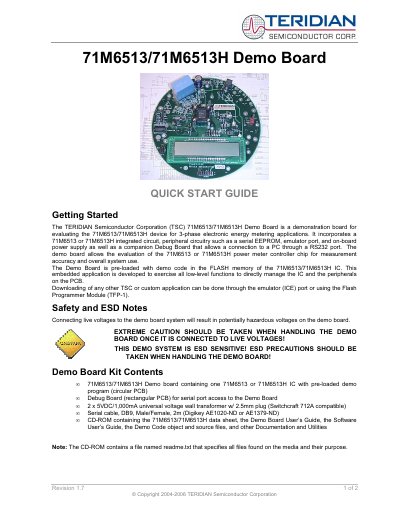
The guide introduces the Teridian 71M6513/71M6513H Demo Board, a development platform that includes the 71M6513 or 71M6513H IC, peripheral circuitry, and a Debug Board for RS‑232 PC connection. It describes the kit contents, safety precautions, and how to load custom firmware via the emulator or Flash Programmer Module.
Safety notes stress extreme caution when connecting live voltages and handling the board due to its ESD sensitivity. The document also provides test‑setup wiring, power‑supply requirements, and contact information for technical support.
| Energy per pulse (Kh) | 3.2 Wh/pulse (CT 2,000:1) |
|---|---|
| Power supply input | 100 to 240 VAC, 1 A DC output |
| Wall transformer | 2 × 5 VDC/1,000 mA universal transformer |
| Serial cable | DB9 male/female, 2 m |
| Integrated circuit | 71M6513 or 71M6513H IC |
Custom applications can be downloaded through the emulator (ICE) port or using the Flash Programmer Module (TFP‑1).