
This document provides information about the Intel® D845GVFN desktop board. The handbook describes the board's functions and configuration, and provides instructions for installing and using the board.
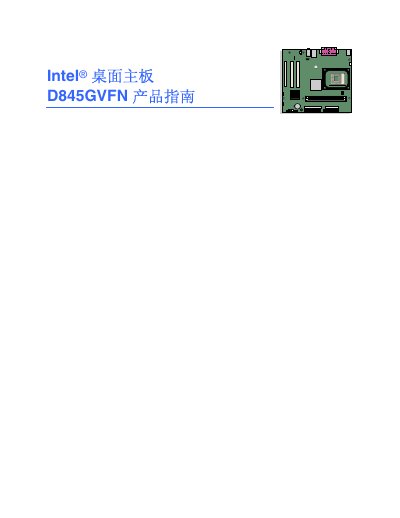
This guide covers the functional overview of the Intel D845GVFN desktop motherboard, including its MicroATX form factor, supported processors, memory configurations, chipset features, audio and LAN subsystems, and integrated graphics. It also details the installation and replacement procedures for components such as the CPU, DIMM modules, I/O shield, and power connectors.
Additional sections describe BIOS setup and update methods, power‑management features, error messages and beep codes, and compliance with safety and EMC standards (UL, CE, FCC, etc.). The document is intended for qualified technical personnel who need detailed specifications and service information. This manual is written in Chinese.
| Form factor | MicroATX, 9.2" × 8.6" |
|---|---|
| Supported memory speeds | DDR333/266 MHz DIMM |
| Chipset | Intel 845GV series (82845GV GMCH, 82801DB ICH4) |
| Audio codec | Realtek ALC202A AC’97 codec |
| USB ports | Up to four USB 2.0 ports (2 rear, 2 front) |
| BIOS type | Intel/AMI BIOS with Rapid BIOS Boot |
| Power‑management | ACPI compliant |
The motherboard supports Microsoft Windows 98 SE, Windows Me, Windows 2000, and Windows XP.
It provides up to four USB 2.0 ports – two on the rear panel and two front‑panel connectors.