
The document is the user manual for GA-586TX3, which describes the features and characteristics of the product, such as auto detect CPU voltage, support for MMX CPU, auto CPU overheat protect system, etc.
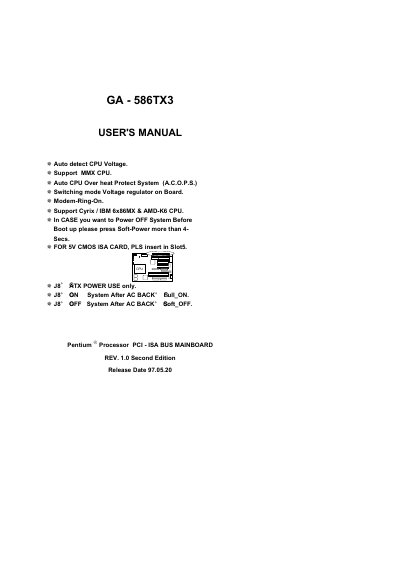
This manual covers the GA-586TX3 motherboard features such as auto‑detect CPU voltage, switching‑mode voltage regulator, and the Auto CPU Over‑heat Protect System (A.C.O.P.S.). It includes a quick installation guide with jumper settings for a wide range of Pentium, Intel MMX, AMD K5/K6 and Cyrix 6x86 processors.
Additional sections provide BIOS default drive tables, a problem‑report sheet, and the FCC compliance statement required for Class B digital devices. The document also lists contact information for the responsible party, G.B.T. Inc., and includes appendices with technical tables and regulatory details.
| Voltage Regulator | Switching mode voltage regulator on board |
|---|---|
| Overheat Protection | Auto CPU Over heat Protect System (A.C.O.P.S.) |
| Soft‑Power Off Procedure | Press Soft‑Power button >4 seconds before boot |
Press the Soft‑Power button for more than four seconds to turn the system off before boot.
It complies with FCC Part 15, Class B digital device requirements and must not cause harmful interference.