
GA-586TX2 USER'S MANUAL is a document that provides information on how to use the GA-586TX2 motherboard. The document includes information on how to install the motherboard, how to connect the components to the motherboard, and how to configure the motherboard BIOS.
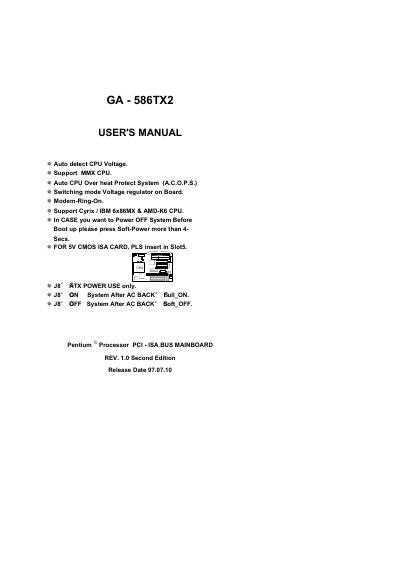
This manual covers the GA‑586TX2 motherboard, detailing CPU configuration via switch settings, supported processors, and key features such as auto‑detect CPU voltage, MMX support, and on‑board voltage regulation. It also includes quick installation instructions, a problem‑sheet for troubleshooting, and regulatory compliance statements.
Additional sections provide FCC compliance details, European EMC directives, and a declaration of conformity, ensuring users understand both the technical setup and legal requirements for safe operation.
| Auto detect CPU Voltage | Enabled |
|---|---|
| MMX CPU support | Supported |
| Auto CPU Overheat Protect System (A.C.O.P.S.) | Enabled |
| Switching mode Voltage regulator on Board | Present |
| Modem‑Ring‑On feature | Supported |
| Supported CPUs | Pentium, MMX, Cyrix/IBM 6x86MX, AMD‑K6 series |
Press the Soft‑Power button for more than 4 seconds.
Insert it into Slot 5.