
This document provides information about the usage precautions, performance, settings, and copying operations of the Toshiba e-STUDIO352/452/352s/452s multifunction digital copier.
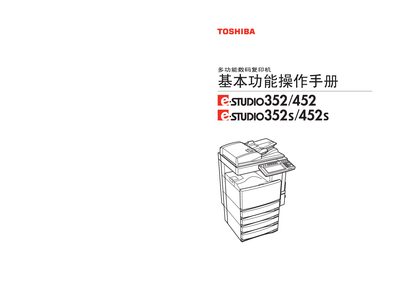
This manual provides detailed instructions for installing, operating, and maintaining the Toshiba e‑STUDIO352/452/352s/452s multifunction digital copier. It covers safety notices, power‑on procedures, paper handling, copy settings, image adjustments, electronic archiving, templates, and job status monitoring.
The guide also includes specifications, optional accessories, troubleshooting tips, and recommended consumables to ensure reliable performance and high‑quality output. This manual is written in Chinese.
| 扫描分辨率 | 600 dpi × 600 dpi |
|---|---|
| 打印分辨率 | 2400 dpi × 600 dpi |
| 电源要求 | 220‑240 V ±10%, 8 A (50/60 Hz) |
| 预热时间 | 约 20 秒 |
| 首张复印时间 | 约 3.9 秒 |
| 纸盒容量 | 550 张 (80 g/m²) |
Use genuine Toshiba consumables for best performance.
The paper tray can hold up to 550 sheets of 80 g/m² paper.