
This is a brief debugging guide for the Siemens MM440 frequency converter. It mainly introduces the installation, wiring, operation, debugging, fault/alarm and other contents of the frequency converter.
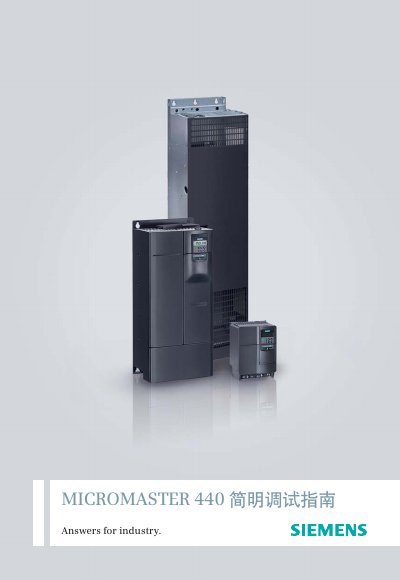
The Simple Debugging Service Manual is intended to help first‑time users quickly understand and master the MM440 variable‑frequency drive. It covers safety instructions, installation, wiring, basic panel operation, parameter configuration, and detailed troubleshooting procedures.
The manual is organized into sections on overview, installation and wiring, operation introduction, parameter reset, quick debugging, function debugging, fault/alarm handling, and resource links, with practical examples and step‑by‑step instructions. This manual is written in Chinese.
| Power range | 0.12‑3 kW (low power) to 0.37‑200 kW (high power) |
|---|---|
| Output frequency | 0‑650 Hz (V/F control) / 0‑200 Hz (vector control) |
| Efficiency | 96%‑97% |
| Protection class | IP20 |
When a fault occurs, the panel shows the fault code; after clearing the cause, press the key to confirm fault reset and the drive returns to ready state.
Enter the quick‑debug mode, set the motor parameters (voltage, current, power), select the power unit and frequency, then start the drive to verify operation.