
This document is the quick installation guide for Canon scanner, which introduces the installation, preparation and use of the scanner
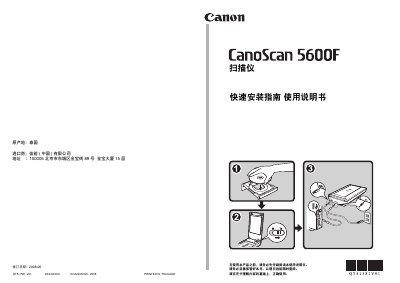
The guide begins with safety notes and a list of items included in the package, then walks you through installing the bundled software from the CD before connecting the scanner. It explains how to run the installer on Windows, macOS, and Vista, and notes the need for administrator rights and to disconnect the USB cable during installation.
After installation, the manual describes how to prepare the scanner, connect power and USB, and perform a test scan using MP Navigator EX. It also details the functions of the scanner’s front‑panel buttons for copy, scan, PDF creation, email, and custom settings, and provides troubleshooting tips. This manual is written in Chinese.
| Maximum optical resolution | 300 dpi |
|---|---|
| Supported document sizes | A4, Letter |
| Interface | USB 1.1 |
| Power supply | External AC adapter (included) |