
This Laser MFP User's Guide provides information on setting up the machine, installing software, and using it as a printer, scanner, copier, and facsimile. It also covers maintenance and troubleshooting. The guide explains how to use a USB flash drive for scanning, saving, and printing documents. Additionally, it provides an overview of the Samsung SmarThru multi-function application, which allows scanning, image editing, and email sending. Note that the manual is for informational purposes and subject to change without notice by Samsung Electronics.
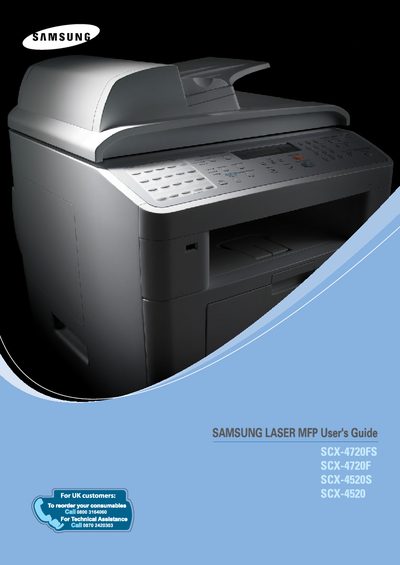
This guide covers everything you need to set up and use the Samsung SCX-4720F/FS laser multi‑function printer, including installing software, connecting the device, and configuring basic settings such as language, date, and paper size.
It also details advanced features like Samsung SmarThru scanning, fax options, copy functions, and routine maintenance, plus troubleshooting tips and contact information for Samsung support.
| Supported operating systems | Windows, Macintosh, Linux |
|---|
Insert a USB flash drive into the machine and use the scanning function to save scanned images directly to the drive.
In Chapter 2, follow the “Setting the Machine ID (SCX-4720F/FS Only)” instructions to enter the ID.
The manual provides step‑by‑step instructions in Chapter 2 under “Installing Samsung SmarThru”.