
This manual introduces how to use the phone's various functions, including installing SIM card and battery, adjusting volume, changing incoming ringtone, redialing the recently used number, using function table, turning on or off the phone, changing display language, dialing the phone and answering the phone, etc.
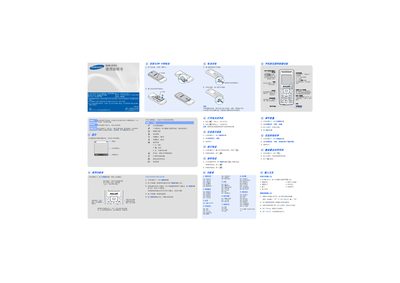
This manual provides step‑by‑step instructions for using the Samsung SGH‑CC03 mobile phone, including power on/off, navigation, call handling, messaging, and configuring sound and display settings.
It also contains safety guidelines, battery specifications, and environmental disposal information to help users operate the device safely and maintain its performance. This manual is written in Chinese.
| Battery type | Standard battery |
|---|---|
| Battery capacity | 750 mAh |
| Talk time | 6.5 hours |
| Standby time | 320 hours |
Press and hold the power key for more than one second.
Press and hold the power key for more than two seconds.
In standby mode, press the menu soft key, select "话机设定 -语言", then choose the desired language.
The phone can provide up to 6.5 hours of talk time.